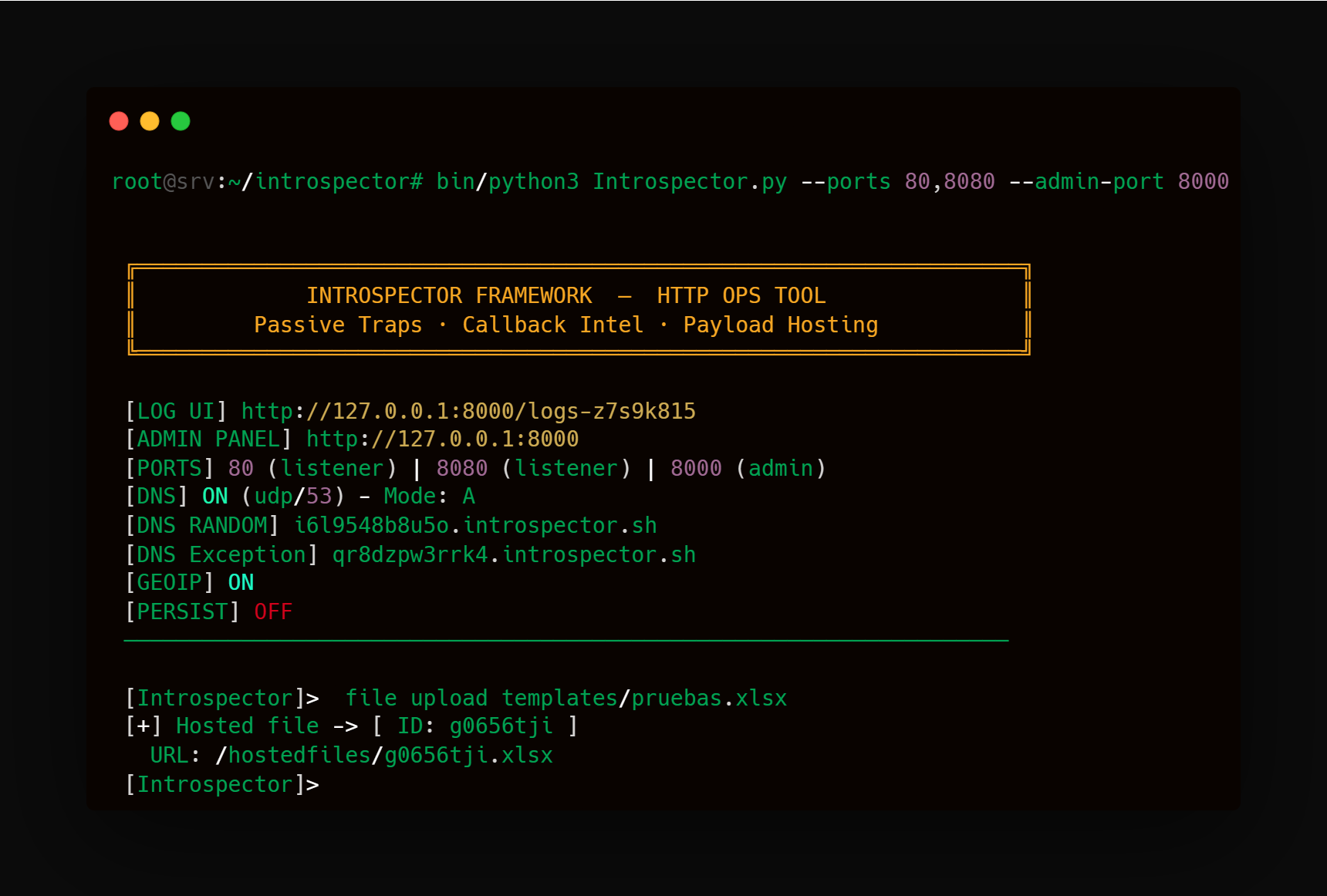
UI Demo
HTTP and DNS callbacks
Introspector starts HTTP and DNS callback servers to register target’s interactions, a flag of the origin server’s country is shown to help interaction tracking. Introspector also has a whois button to show full information of the target.
Analysis and Detect SSRF Detection with controlled response delay
If you want to be sure about a backend’s interaction, you can use Introspector to set specific response time to a response.

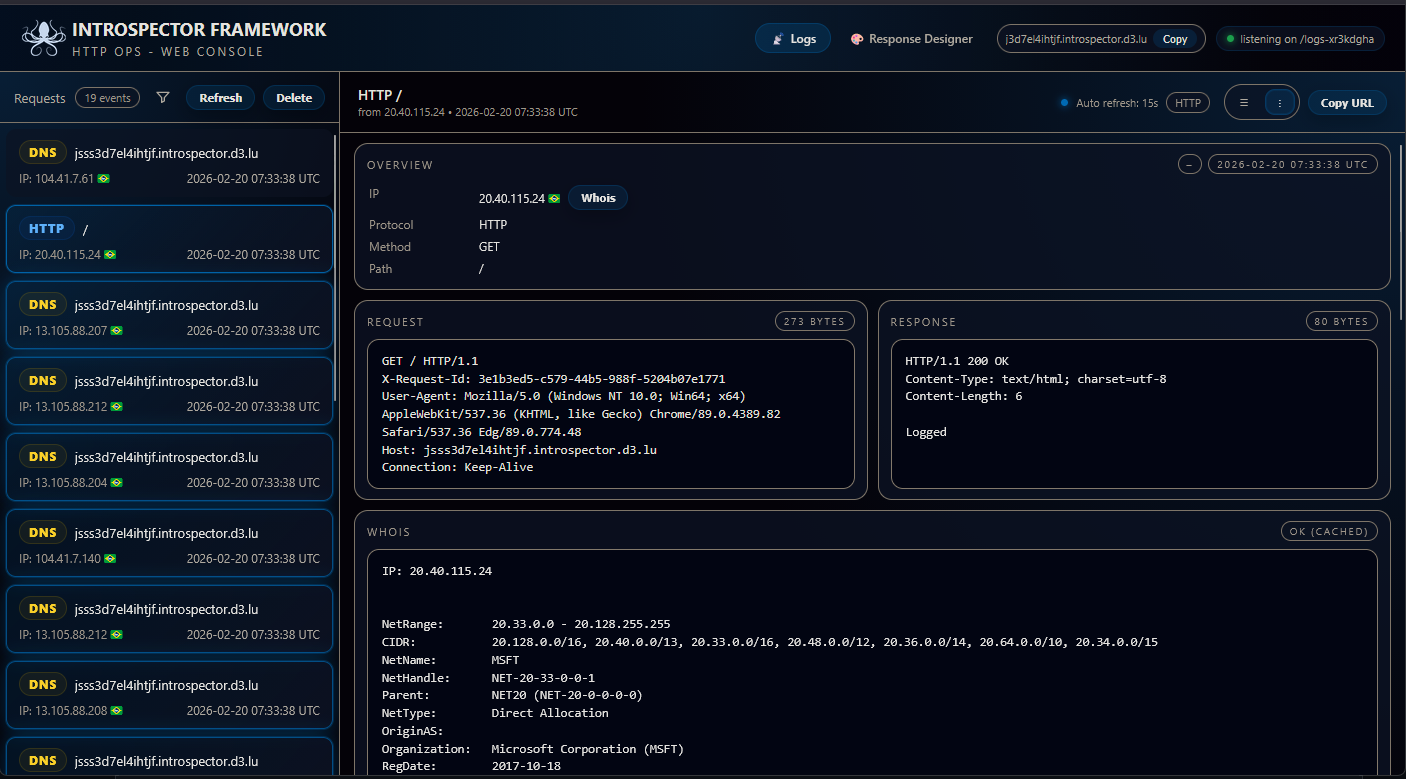
Follow-Redirect Detection Redirect Chaining
If you want to know whether a backend behaves like a ‘browser-like’ client, Introspector can flag FOLLOW REDIRECT events when the target automatically follows 3xx responses and performs the next request (for example, when hitting common paths like favicon). This helps you confirm the system isn’t just validating a URL—it’s continuing the flow by following redirects.
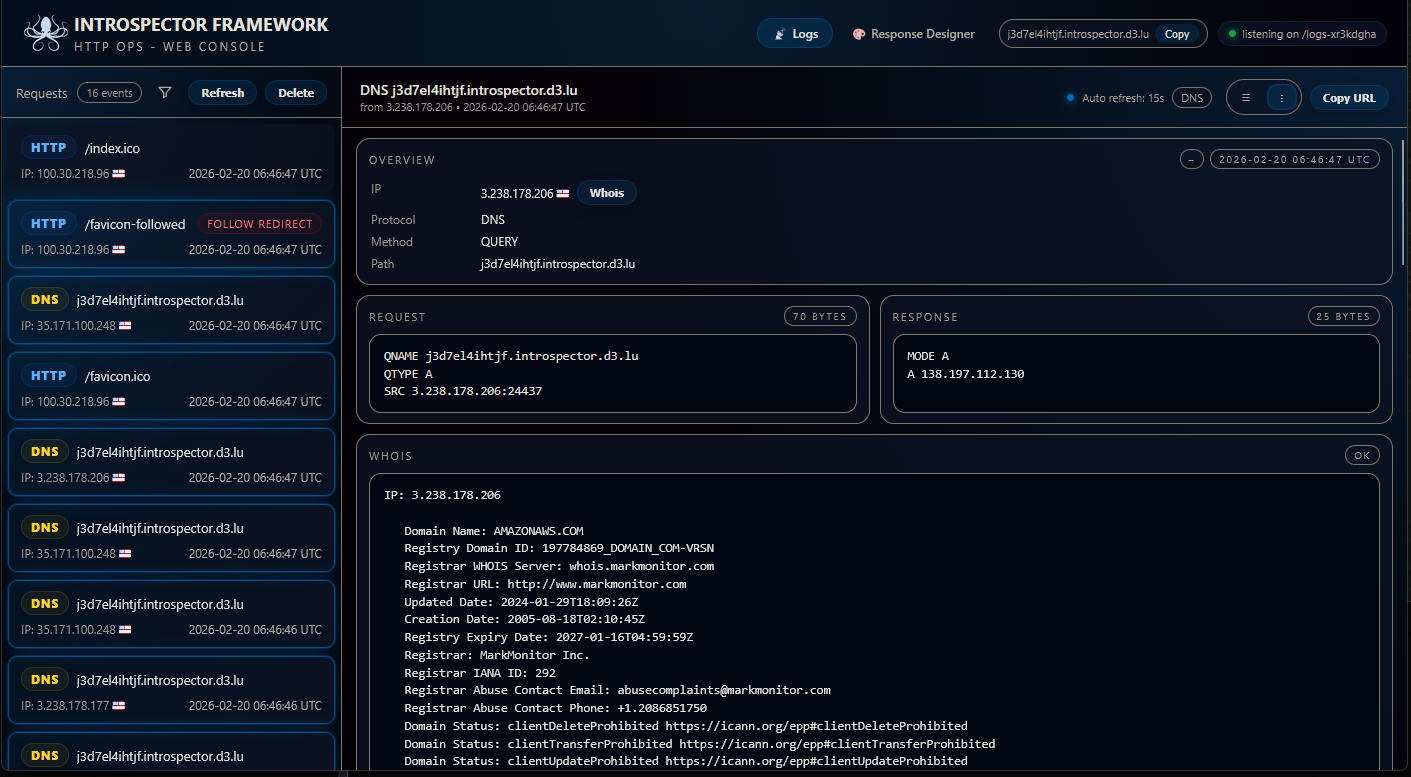
Startup Screen CLI
This image shows Introspector starting from the terminal: the run command, the framework banner, and a quick status summary with the Admin Panel URL, active ports, and the DNS listener status. The [Introspector]> prompt at the bottom indicates it’s ready to use.
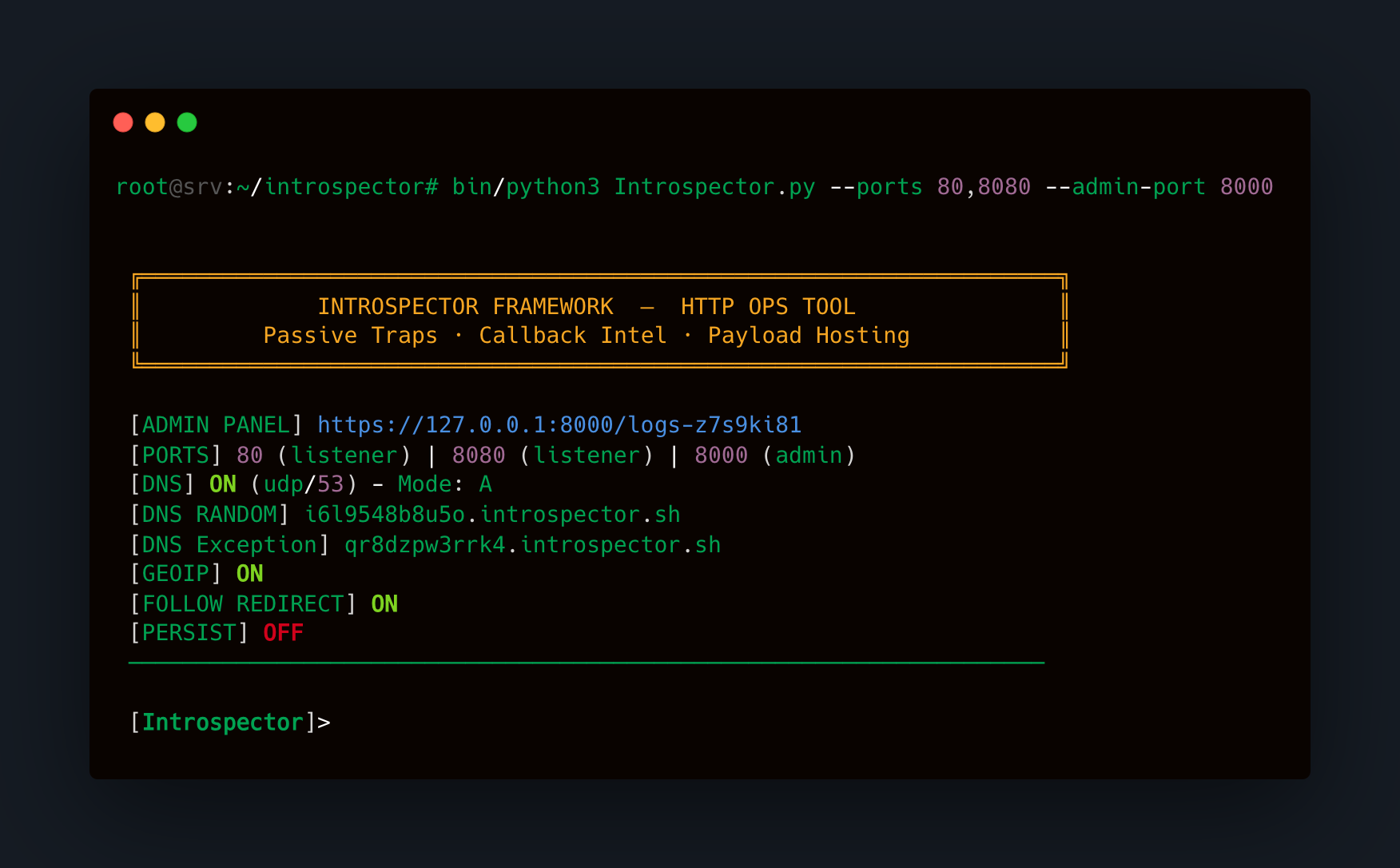
Hosted Files
*This image shows how Introspector can host a file using file upload